
7 Best Free AI Tools for Small Business Productivity in 2026
Running a small business often means doing the work of several people at once.
You may be answering customer emails in the morning, researching competitors in the afternoon, designing social media posts before dinner, and preparing invoices late at night.
The problem is not always a lack of effort.
The problem is that too much valuable time is spent on repetitive work.
Free AI tools can help small business owners reduce that workload. They can support research, planning, writing, document analysis, design, video editing, and basic automation.
This guide covers seven useful AI tools that can help a small business work more efficiently in 2026.
What Makes an AI Tool Useful for a Small Business?
The best AI tool is not necessarily the one with the most features.
It is the one that solves a real problem in your daily workflow.
A useful AI tool should help you do at least one of these things:
- Save time on repetitive work
- Improve the quality of customer communication
- Organise information more clearly
- Create content faster
- Reduce unnecessary switching between apps
- Help a small team handle more work
You do not need to use every tool in this list.
Start with one task that takes too much time, then choose one tool that can make that task easier.
1. ChatGPT for Planning, Writing, and Problem Solving
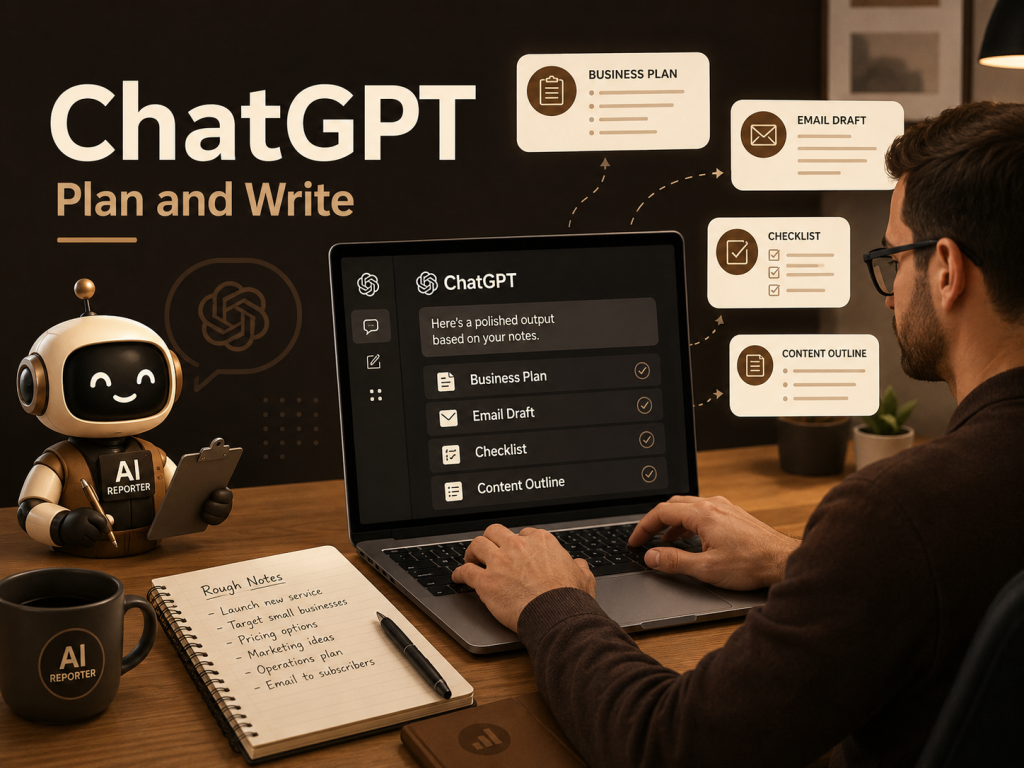
ChatGPT is one of the most flexible AI tools available to small business owners.
You can use it to:
- Draft customer emails
- Create social media captions
- Build content calendars
- Prepare meeting agendas
- Write product descriptions
- Organise ideas into a clear plan
- Simplify complex information
The free version of ChatGPT provides access to a broad range of capabilities, although usage limits and available tools may differ from paid plans.
A practical example
Imagine that you need to announce a new service.
Instead of staring at a blank document, you can give ChatGPT:
Your target audience
The main benefit of the service
The tone you want
The platform where the content will be published
ChatGPT can then create a first draft that you can review and improve.
The important word is review.
AI should help you start faster, but the final message should still sound like your business.
Best for
Planning, writing, brainstorming, customer communication, and content creation.
2. Perplexity for Fast Research
Small business owners often need quick answers.
You may need to understand a new market, compare competitors, explore customer trends, or research a product before making a decision.
Perplexity is useful because it combines AI-generated answers with links to online sources.
Its Standard plan is free and provides access to its core research experience, while paid plans offer higher limits and additional features.
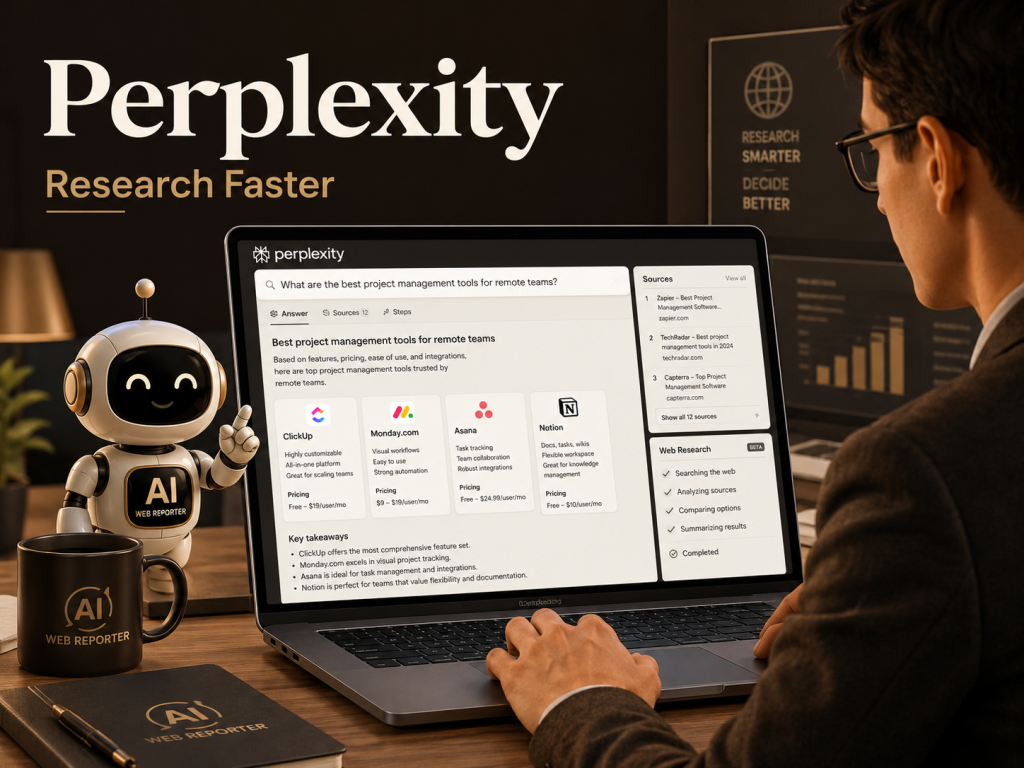
A practical example
Suppose you are thinking about offering a new service in another city.
You could ask Perplexity to help you explore:
Local competitors
Average prices
Common customer complaints
Market demand
Recent industry changes
It can give you a useful starting point and show sources that you can open and verify.
Important reminder
Do not treat the first AI answer as final research.
Open the sources, check the dates, and confirm important facts before making a business decision.
Best for
Competitor research, market research, topic discovery, and source-based exploration.
Explore Perplexity for AI-powered research……………
3. NotebookLM for Understanding Your Own Documents
Businesses collect a surprising amount of information.
Reports, meeting notes, customer feedback, training documents, research files, and policy documents can quickly become difficult to manage.
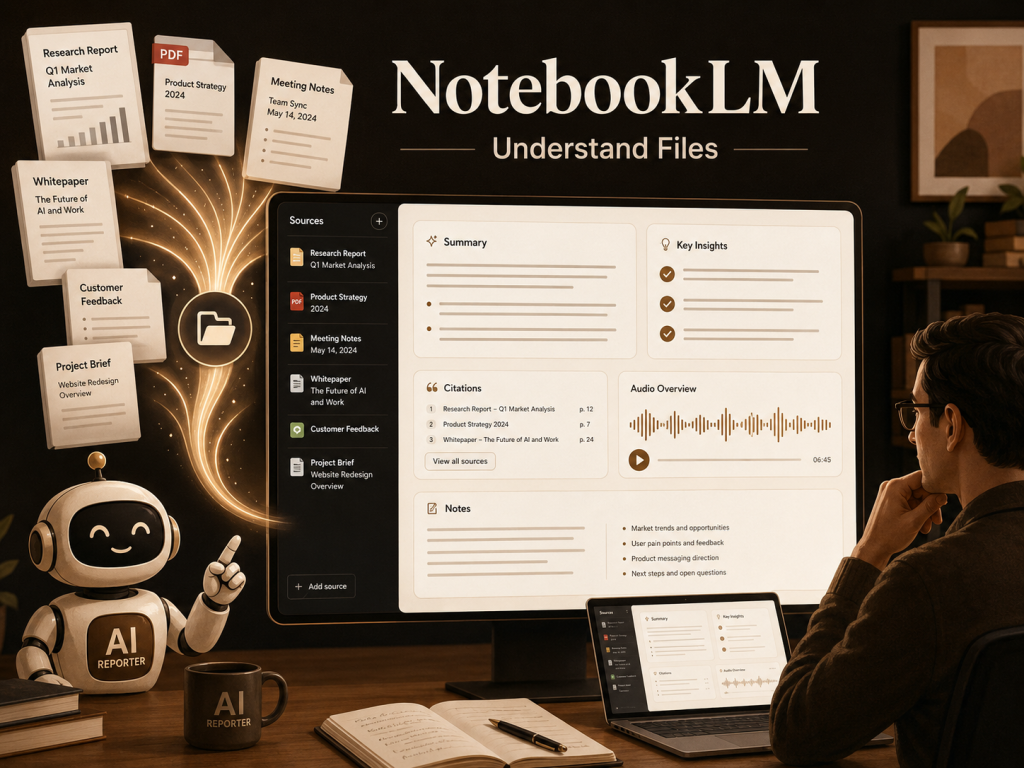
NotebookLM is designed to help users work with their own sources.
It can help analyse uploaded material and create summaries, answers, flashcards, quizzes, audio overviews, and planning aids based on the sources provided.
A practical example
Imagine that you have:
Three customer feedback reports
Two meeting documents
A long product manual
Several pages of research notes
You can add those files to NotebookLM and ask questions such as:
What problems appear most often in customer feedback?
What decisions were made during the meetings?
Which product issues need immediate attention?
What information is missing from the research?
This can save time when you need to understand a large collection of documents.
Best for
Document analysis, meeting preparation, internal research, training material, and organised learning.
Try NotebookLM for source-based research…………….
4. Canva AI for Faster Visual Content
A small business needs visual content, but professional design can take time.
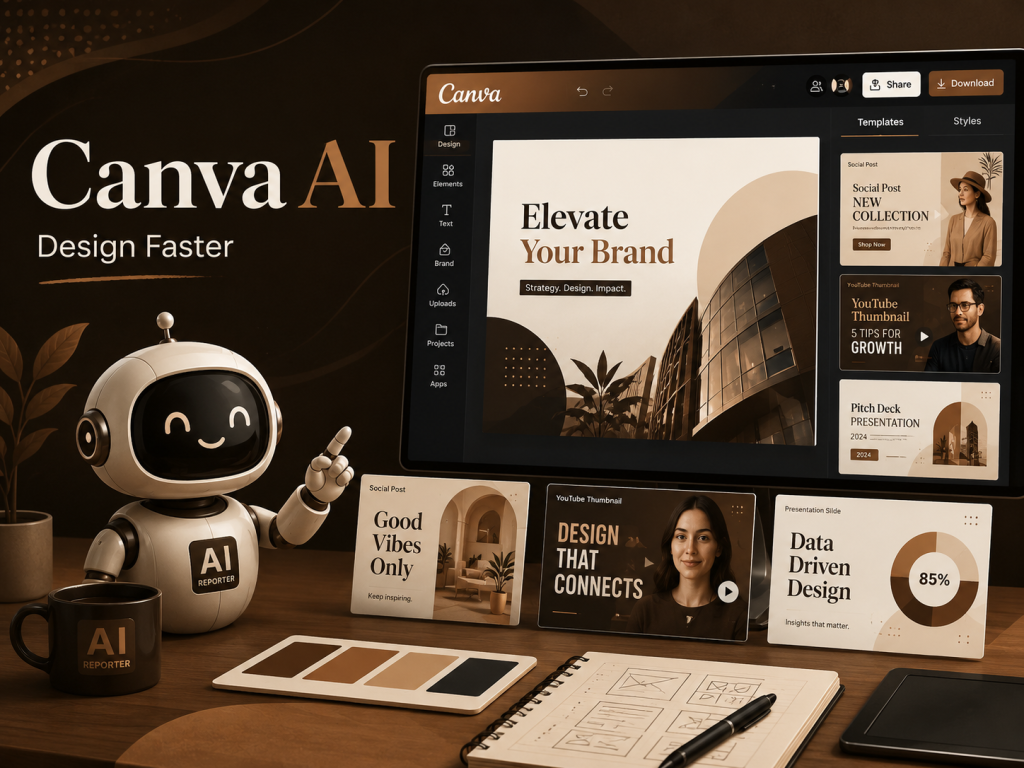
Canva helps users create social media posts, presentations, flyers, advertisements, thumbnails, and other visual material.
Canva offers a Free plan with access to design tools and a limited allowance for selected AI features. Higher plans provide greater usage and more advanced options.
A practical example
Suppose you need to promote a weekend offer.
You can begin with:
A short headline
The offer details
Your brand colours
A product image
A suitable Canva template
You can then adjust the layout, fonts, spacing, and call to action.
This is usually faster than building every design from the beginning.
Human-first design advice
Do not publish the first design automatically.
Check whether:
The text is easy to read
The message is clear
The image matches your brand
The design looks natural
The call to action is obvious
Good design is not about filling every space.
It is about making the message easy to understand.
Explore Canva AI design tools……………………
Best for
Social media graphics, presentations, flyers, thumbnails, and branded content.
5. CapCut for Short Video Editing
Short videos are now an important part of social media marketing.
However, editing can take longer than recording.
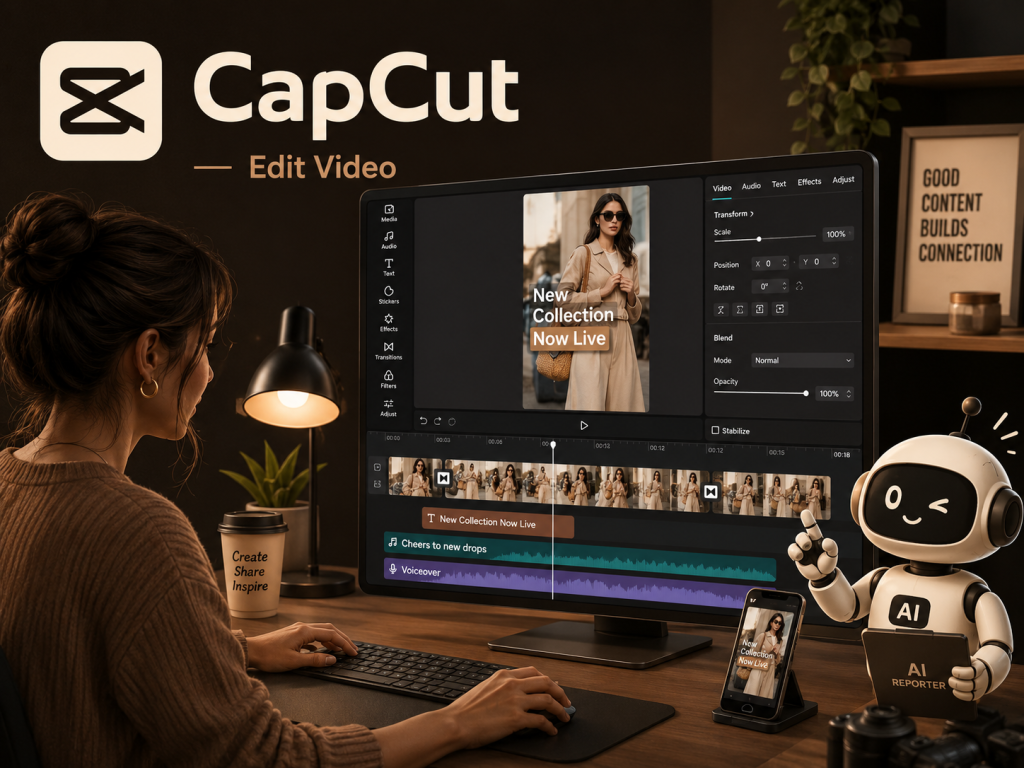
CapCut offers online video editing tools that can support tasks such as cutting clips, adding captions, creating transitions, using text-to-speech, and removing backgrounds.
A practical example
A business owner records a simple product demonstration on a phone.
CapCut can help turn that raw footage into a clearer video by adding:
Captions
Music
Smooth cuts
Zoom effects
Transitions
A branded ending
This can make it easier to create content for Instagram Reels, TikTok, YouTube Shorts, and Facebook Reels.
Open the CapCut online video editor………………….
Best for
Social videos, product demonstrations, short tutorials, customer stories, and promotional clips.
6. Zapier for Basic Business Automation
Many businesses lose time because information has to be moved manually between different apps.
For example:
A customer completes a form
Someone copies the details into a spreadsheet
Another person sends a confirmation email
A task is created manually
A reminder is added later
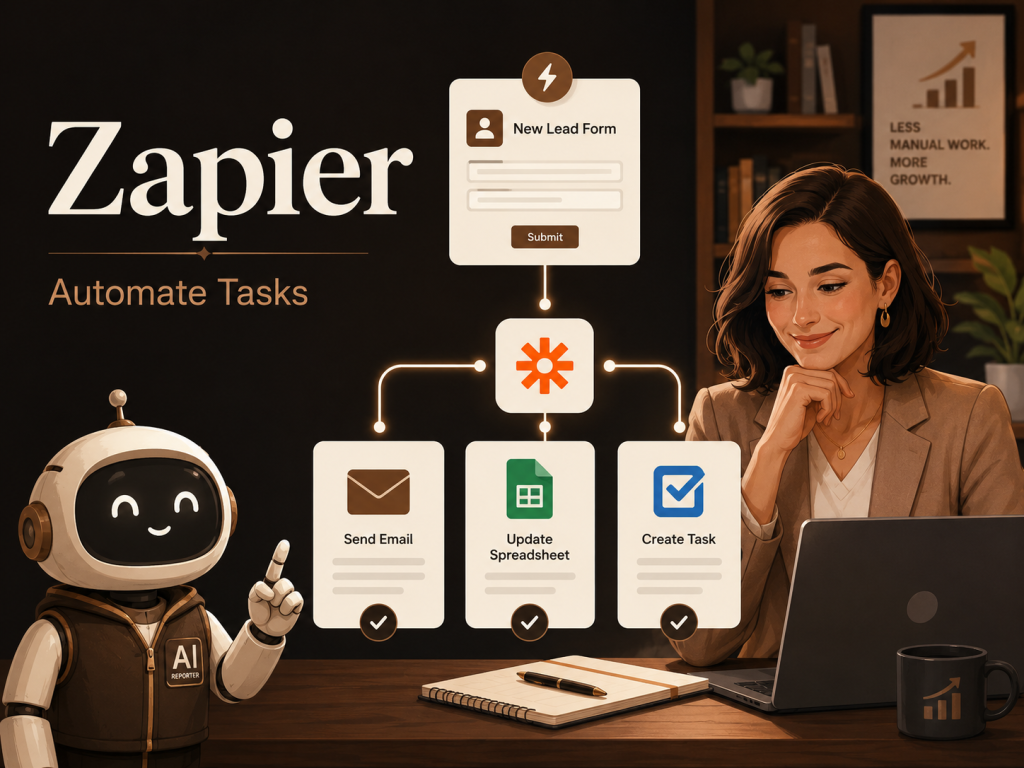
Zapier can connect apps so that an action in one tool triggers an action in another.
Its Free plan currently includes 100 tasks per month for Zap workflows and MCP server actions. Zapier also includes tools such as Forms and Tables within its wider platform.
A practical example
When a potential customer completes a website form, Zapier could:
Add the contact to a spreadsheet
Send a confirmation email
Create a follow-up task
Notify the team
This does not remove the need for people.
It removes unnecessary copying and helps the team respond faster.
Explore Zapier workflow automation………………..
Best for
Lead capture, notifications, simple follow-ups, form processing, and moving information between apps.
7. Grammarly for Clearer Business Writing
Business communication needs to be clear.
A confusing email, unclear proposal, or poorly written website page can reduce trust.
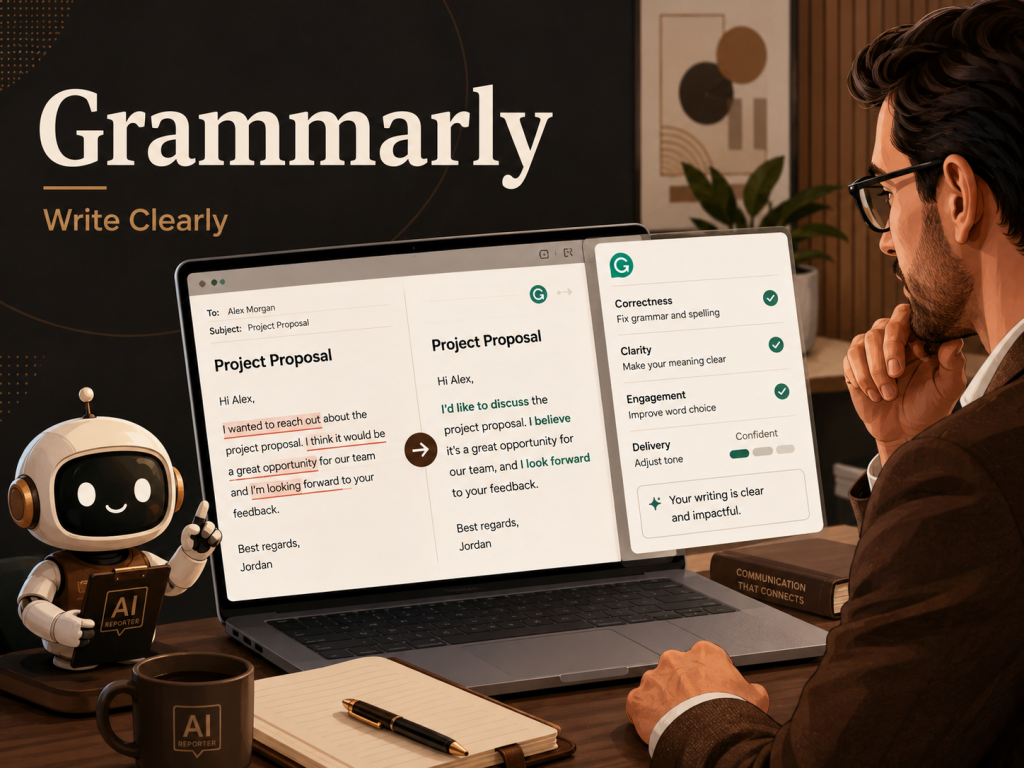
Grammarly provides writing support for grammar, clarity, tone, and everyday communication.
A free version is available, while paid plans provide higher limits and more advanced writing capabilities.
A practical example
Before sending an important customer email, Grammarly can help identify:
Grammar mistakes
Unclear sentences
Awkward wording
Tone problems
It can be particularly useful for business owners who write in English as a second language.
Best for
Emails, proposals, website copy, reports, customer support messages, and professional communication.
Explore Grammarly writing assistance………….
How These AI Tools Can Work Together
The real value appears when tools are used as part of a clear workflow.
Here is one example:
Step 1: Research
Use Perplexity to explore a topic and collect useful sources.
Step 2: Organise
Add important documents and research material to NotebookLM.
Step 3: Plan and write
Use ChatGPT to create an outline, draft, checklist, or campaign plan.
Step 4: Improve
Use Grammarly to check clarity, grammar, and tone.
Step 5: Design
Use Canva to create graphics, presentations, or promotional material.
Step 6: Edit video
Use CapCut to create a short video version of the content.
Step 7: Automate
Use Zapier to connect forms, email, spreadsheets, and follow-up tasks.
This workflow can help a small team move from an idea to published content more efficiently.
Which Tool Should You Start With?
Do not begin by creating seven new accounts and trying everything at once.
Start with one question:
What repetitive task takes the most time in my business?
Then choose the most relevant tool.
If writing takes too long, start with ChatGPT or Grammarly.
If research takes too long, start with Perplexity.
If long documents are difficult to manage, start with NotebookLM.
If visual content is slowing you down, start with Canva.
If video editing is the problem, start with CapCut.
If information is being copied between apps, start with Zapier.
One useful tool that solves a real problem is better than seven tools that create more confusion.
Important Risks to Consider
AI tools can save time, but they can also make mistakes.
Before using AI in your business, remember these rules:
Verify important information
AI-generated content may contain errors.
Check facts, prices, legal information, medical claims, financial figures, and customer details before using them.
Protect sensitive information
Do not upload confidential customer data, passwords, financial records, private contracts, or trade secrets unless you fully understand how the service handles that information.
Keep human approval
People should review important customer messages, payments, contracts, public statements, and business decisions.
Maintain your own voice
AI content should sound like your business, not like a generic machine.
Add your experience, examples, opinions, and personality.
Review free plan limits
Free plans can change.
Usage allowances, features, and availability may also differ by location or account type.
Always check the official pricing page before building an important workflow around a tool.
Final Takeaway
Small businesses do not need AI because it is fashionable.
They need it when it removes a real obstacle.
ChatGPT can help with planning and writing.
Perplexity can support faster research.
NotebookLM can make documents easier to understand.
Canva can speed up visual content.
CapCut can simplify video editing.
Zapier can connect repetitive workflows.
Grammarly can improve business communication.
The smartest approach is simple:
Choose one repeated problem.
Test one tool.
Measure how much time it saves.
Keep the human judgement that makes your business trustworthy.
Which task would you like AI to make easier in your business?
Visit AI Web Reporter for clear AI news, practical guides, and useful tool explanations.
AI WEB REPORTER
Stay Ahead of AI
Follow AI Web Reporter for clear AI news, practical tools, and useful business insights.
Follow us
No hype. Just signal.